

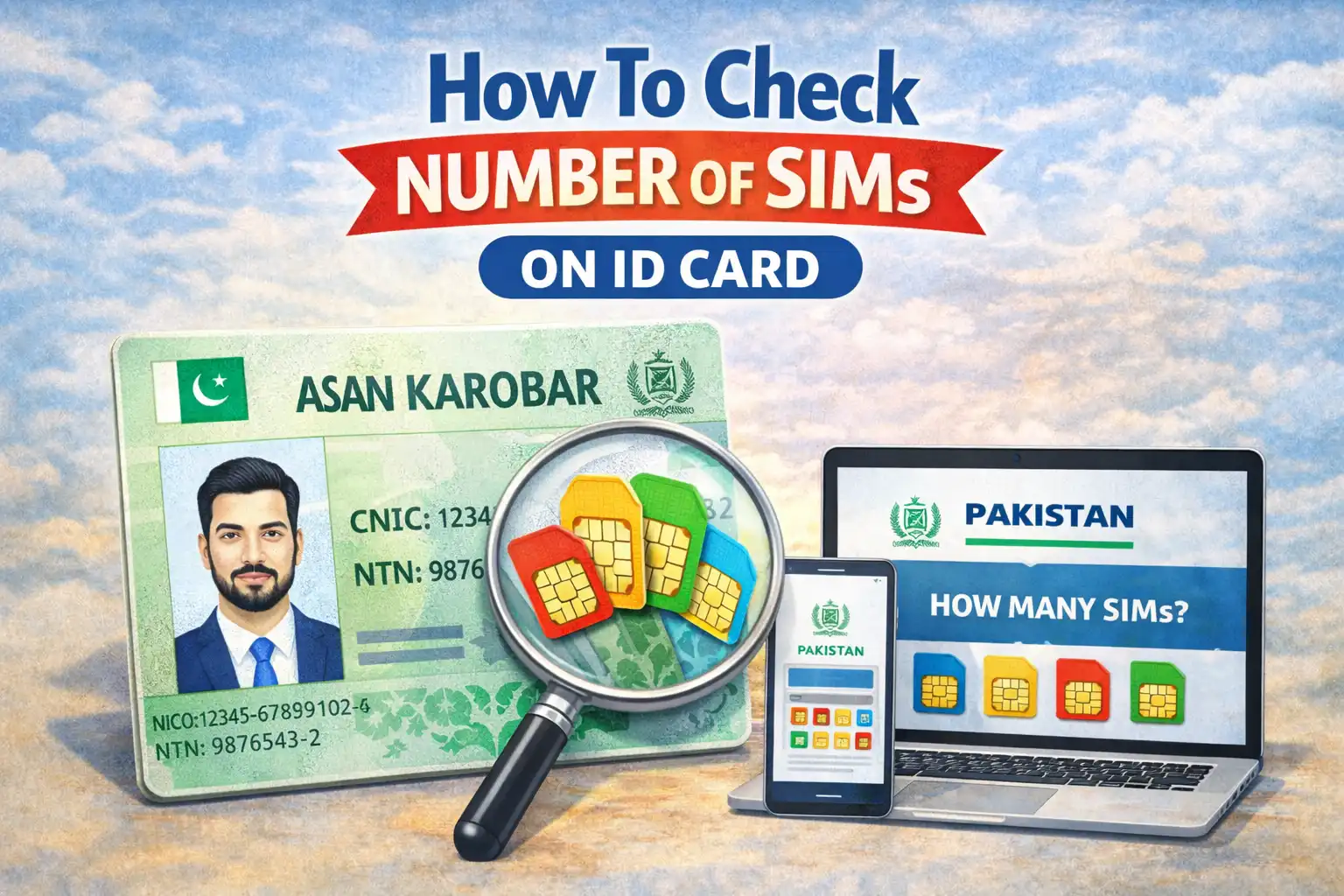
Mobile phones have become an extension of human identity. By 2026, most countries — especially Pakistan, IIn 2026, digital identity security is more critical than ever. With multiple SIM ownership common and identity theft on the rise, knowing how many SIM cards are registered to your CNIC can protect you from fraud, unauthorized SIMs, and potential billing disputes.
Thankfully, Pakistan’s telecom regulators provide simple, free, and secure ways to check your SIM count. This article will guide you through official methods, step-by-step instructions, privacy considerations, and troubleshooting tips so you can take control of your mobile identity.
Why Checking Your SIM Count Matters in 2026
Multiple SIM registrations have become the norm for convenience, travel, or work purposes. However, misuse of your CNIC for unauthorized SIM registrations can lead to:
- Illegal or fraudulent use of your identity
- Unexpected phone bills or legal issues
- Unauthorized access to your accounts via mobile OTPs
- Problems during travel, banking, or regulatory checks
Knowing your SIM count is a proactive step to safeguard your digital footprint.
Using the PTA Portal (Recommended)
The most accurate and official way to check your SIM count is through https://cnic.sims.pk. This portal is maintained by PTA and gives real-time information.
Steps to Check Your SIMs Online
- Visit https://cnic.sims.pk.
- Select your ID type: CNIC or Foreign ID.
- Enter your 13-digit CNIC number without dashes.
- Complete the captcha verification.
- Click Submit to view your SIM count.
You will see:
- Total number of SIMs registered under your CNIC
- Active SIMs per network (Jazz, Zong, Telenor, Ufone)
- Option to report unauthorized SIMs
Benefits of using the portal:
- Free and real-time
- Network-wise breakdown
- Privacy-friendly (no personal numbers displayed)
How SIM Registration Works in Pakistan?
When you buy a SIM in Pakistan:
- Your CNIC number is linked to the SIM.
- Telecom operators log your number in the PTA’s central SIM database.
- The system monitors activation, deactivation, and SIM transfers to prevent misuse.
By 2026, the SIM Information System (SIS) is fully operational and publicly accessible, allowing users to verify SIM counts online, via SMS, or USSD.
Checking the number of SIMs registered on your CNIC is essential in 2026. The official cnic.sims.pk portal provides a fast, free, and secure way to verify your SIMs and protect your identity. Combine this with SMS or USSD checks for convenience. Staying proactive keeps your digital footprint secure and ensures you maintain full control over your mobile identity.
Frequently Asked Questions
Is it safe to check my SIM count online?
Yes, the PTA portal uses OTP verification and encrypted connections, ensuring privacy and security.
What if I find an unauthorized SIM registered under my CNIC?
Document your SIM report, contact the issuing operator, and file a complaint through the PTA portal for deactivation.
Do I need internet to check my SIMs?
No — SMS and USSD methods work without internet, while the PTA portal requires an online connection.
How often should I verify my SIMs?
Every 3–6 months, especially after losing a phone, traveling, or acquiring a new SIM.