
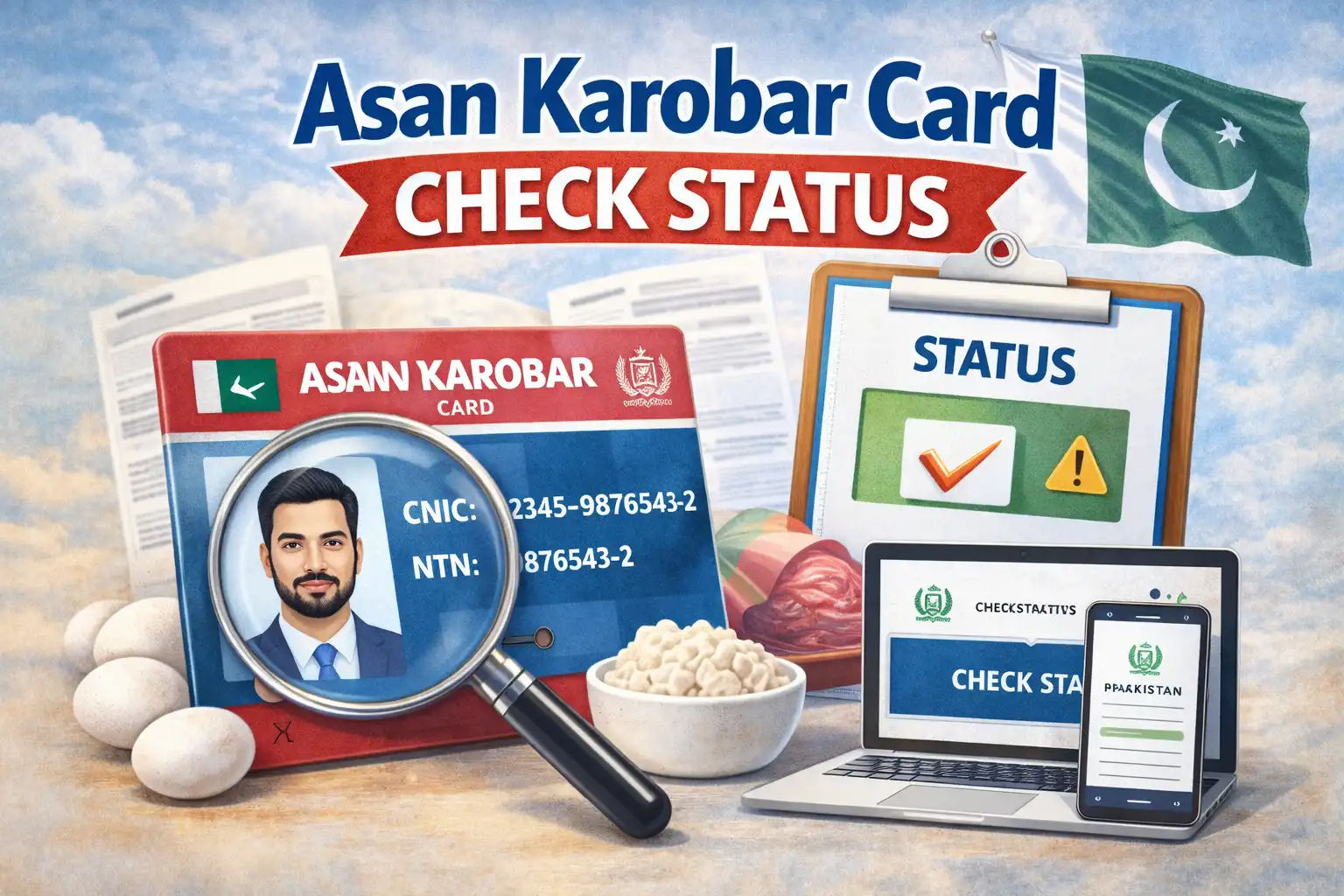
If you applied for the Asan Karobar Card and are still waiting to hear back, you’re probably searching for a working way to check your application status. Many people are still trying SMS methods, but in 2026, SMS tracking no longer works. The government has moved the entire tracking system online, and the only valid way to check your Asan Karobar Card status is through the official Punjab online portal using your CNIC and login credentials.
This guide gives you the exact process that works today, explains what each status message means, shows how long approvals take, and tells you what to do if your application is delayed or rejected. By the end, you’ll know exactly how to track your Asan Karobar Card and what steps to take next.
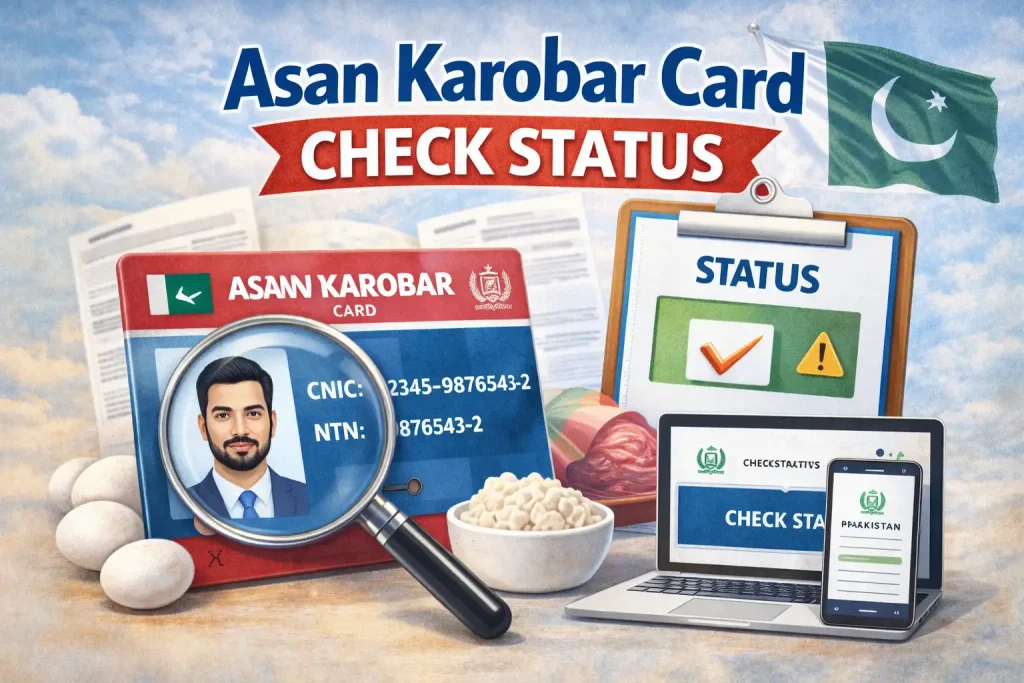
How to Check Asan Karobar Card Status Online in 2026
The process is simple and works on both mobile and desktop.
Step 1 Open the Official Portal
Go to the official Asan Karobar Finance login page through your browser.
Step 2 Click on Login
Select the login option from the homepage.
Step 3 Enter Your Details
Type your CNIC number (without dashes), your password, and the captcha code if shown.
Step 4 Access Your Dashboard
Once logged in, your dashboard will immediately display your current application status, submission date, and verification progress.
No SMS, no tokens, and no third-party apps are required.
What You See After Login
Your dashboard clearly shows your application progress in plain language. Common labels include:
- Under Process
- Verified
- Approved
- Rejected
- Verification Error
- Additional Documents Required
Each message tells you exactly where your application stands and whether you need to take action.
Meaning of Each Asan Karobar Card Status
Understanding your status saves time and prevents unnecessary worry.
| Status | Meaning | What You Should Do |
|---|---|---|
| Application Submitted | Your form was successfully received | Wait for verification |
| Under Process | Documents and eligibility are being reviewed | No action unless contacted |
| Verification Pending | Some data or documents need confirmation | Check dashboard and upload requested info |
| Approved | Your loan has been sanctioned | Wait for card issuance instructions |
| Card Issued | Card is ready for collection | Visit assigned branch or center |
| Rejected | Application did not meet eligibility | Review reason and reapply |
What to Do If Your Status Shows “Verification Error”
This status means something in your application could not be verified automatically. It usually relates to:
- CNIC mismatch
- Blurry or incomplete documents
- Missing business details
- Income inconsistencies
Log in immediately and check the document request section. Upload corrected files and submit them again. In many cases, approval follows within a few days after correction.
Frequently Asked Questions
1. Can I check Asan Karobar Card status by SMS in 2026?
No. SMS tracking no longer works. Status updates are only available through the official online portal.
2. How often should I check my application status?
Every 3 to 4 days is ideal, especially during verification stages.
3. What does “Under Process” mean?
It means your application is currently being reviewed and no action is needed unless contacted.
4. Can I reapply after rejection?
Yes. Most applicants can reapply after correcting errors or meeting eligibility requirements.
5. How will I know when my card is ready?
Your dashboard will show “Card Issued” and provide collection instructions.
6. Is there any fee to check status online?
No. Status checking is completely free.
The only reliable way to check your Asan Karobar Card status is through the official online portal using your CNIC and login credentials. SMS methods no longer work, and relying on unofficial sources can delay your approval or cause confusion.