

After submitting a passport application, you receive a unique token number. This token acts as a digital key to monitor your passport’s journey from submission to printing and final collection. Before the online system, applicants had to visit passport offices repeatedly or make countless calls to check on progress.
Today, token-based tracking ensures you can:
- Check the status of your passport instantly.
- Plan your travel with accurate timelines.
- Avoid delays caused by unnecessary visits to passport offices.
- Stay informed from anywhere in Pakistan, whether you live in Karachi, Lahore, Islamabad, or a smaller city.
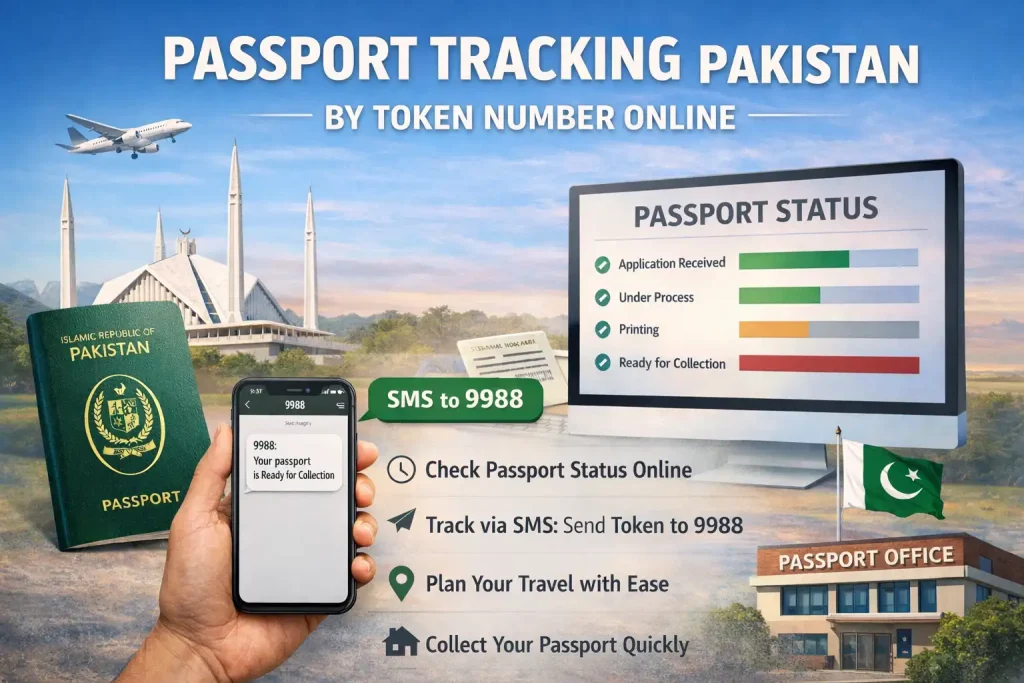
This process makes passport management faster and more transparent than ever before.
How the Passport Tracking System Works
The DGIP passport tracking system is centralized, updating automatically as your application progresses. Each passport application goes through several stages: verification, printing, dispatch, and collection. At each stage, your token number is logged in the system, allowing real-time monitoring.
You can track your passport in Pakistan in two main ways:
| Method | Requirements | Best Use | Response Time |
|---|---|---|---|
| Online Tracking | Token number + CNIC | Detailed application progress | Instant |
| SMS Tracking | Token number + registered mobile | Quick updates | Seconds |
Both methods are fully integrated, making it easier for applicants across Pakistan to stay informed.
Step-by-Step Online Passport Tracking
For detailed updates, the online portal provides the most comprehensive information. Follow these steps:
1. Locate Your Token Number
Your token number is on the receipt provided after submitting your application at the passport office.
2. Access the DGIP Passport Tracking Portal
Open your browser and navigate to the official passport tracking section.
3. Enter Your Details
Input your 11-digit token number and CNIC number. Some portals allow CNIC tracking if the token number is unavailable.
4. Check Your Status
Click the “Track” button to view your current application status. Updates include verification, printing, dispatch, and collection stages.
This method is ideal for applicants who want a detailed view of every step in the process.
Understanding Passport Status Messages
When tracking your passport, you may see several common status messages:
- Application Received – Your application is logged and ready for verification.
- Under Verification/Process – Your documents and CNIC details are being verified.
- Printing in Progress – Your passport has been approved and is now being printed.
- Dispatched to Office – The printed passport is being sent to your selected collection office.
- Ready for Collection – Your passport is available at the office for pickup.
- Delayed or Rejected – Additional verification is required; contact your passport office with your token receipt.
Knowing what each status means allows you to anticipate the next steps without unnecessary stress.
Common Issues and Solutions
Even with digital tracking, some applicants experience challenges. Here are common problems and solutions:
- Invalid Token Number – Ensure you typed the token exactly as it appears on your receipt.
- No Status Update – Wait 48–72 hours after submission, as updates may take time to reflect.
- Portal Busy or Slow – Try tracking during off-peak hours, such as early morning or late evening.
Accurate entries and patience usually resolve most issues.
Tips for Smooth Passport Tracking in 2026
- Keep your token receipt safe — take a photo for backup.
- Register the correct mobile number for SMS updates.
- Start checking after 48 hours to allow system updates.
- Use online tracking for detailed information and SMS for quick updates.
These practices ensure you always have clear information about your passport application.
FAQ – Passport Tracking Pakistan by Token Number
1. How soon can I track my passport online after submission?
Status updates are usually visible within 48–72 hours after submission.
2. Can I track my passport with just my CNIC?
Yes, the online portal often allows tracking using CNIC if the token number is unavailable.
3. What should I do if my status shows “Delayed”?
Visit your passport office with your token receipt; delays often require additional verification.
4. Is passport tracking free in Pakistan?
Yes, online tracking and SMS updates only require standard mobile charges; there are no extra government fees.
5. Why haven’t I received an SMS update?
Ensure you are using the mobile number registered during your application.
Conclusion
By 2026, passport tracking in Pakistan by token number has transformed from a stressful process to a simple, transparent, and accessible system. Whether using the online portal for detailed updates or SMS for quick status checks, applicants across Pakistan can stay informed at every stage — from submission to collection. Keeping your token number safe and checking updates regularly ensures smooth processing, enabling timely travel plans and peace of mind. With these tools, managing your passport application has never been easier.